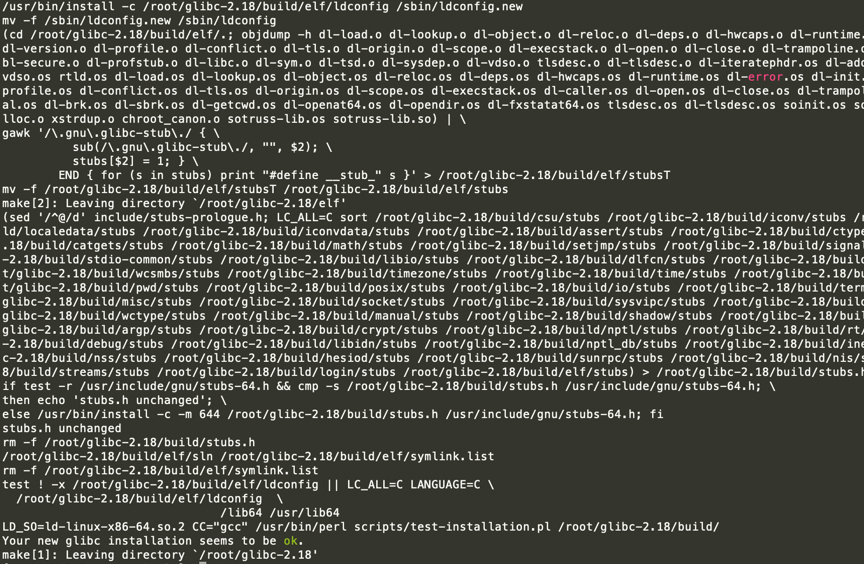
Problem 1
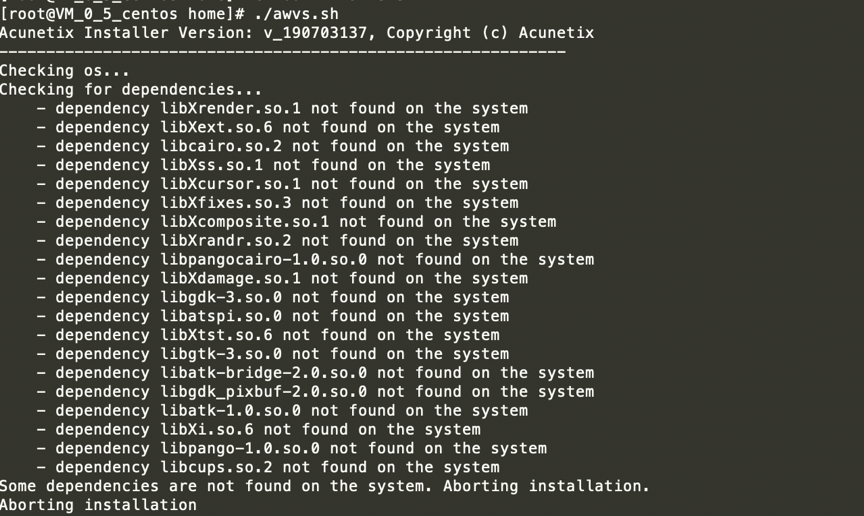
The following problem occurred while running the AWVS installer:
TEXT
Acunetix Installer Version: v_190703137, Copyright (c) Acunetix
------------------------------------------------------------
Checking os...
Checking for dependencies...
    - dependency libXrender.so.1 not found on the system
    - dependency libXext.so.6 not found on the system
    - dependency libcairo.so.2 not found on the system
    - dependency libXss.so.1 not found on the system
    - dependency libXcursor.so.1 not found on the system
    - dependency libXfixes.so.3 not found on the system
    - dependency libXcomposite.so.1 not found on the system
    - dependency libXrandr.so.2 not found on the system
    - dependency libpangocairo-1.0.so.0 not found on the system
    - dependency libXdamage.so.1 not found on the system
    - dependency libgdk-3.so.0 not found on the system
    - dependency libatspi.so.0 not found on the system
    - dependency libXtst.so.6 not found on the system
    - dependency libgtk-3.so.0 not found on the system
    - dependency libatk-bridge-2.0.so.0 not found on the system
    - dependency libgdk_pixbuf-2.0.so.0 not found on the system
    - dependency libatk-1.0.so.0 not found on the system
    - dependency libXi.so.6 not found on the system
    - dependency libpango-1.0.so.0 not found on the system
    - dependency libcups.so.2 not found on the system
Some dependencies are not found on the system. Aborting installation.
Aborting installation
Solution:
Run the following commands:
TEXT
yum install libXrender libXext libXcursor libXfixes libXcomposite libXrandr libXdamage libXtst libXi cups-libs dbus-glib libXrandr libXcursor libXinerama cairo cairo-gobject pango libXScrnSaver libatk-bridge-2.0.so.0 -y
Problem 2
The following problem occurred:

TEXT
/wvsc: /lib64/libc.so.6: version `GLIBC_2.18' not found (required by /home/acunetix/.acunetix_trial/v_190703137/scanner/libstdc++.so.6)
Solution
TEXT
Cd /home/
strings /usr/lib64/libstdc++.so.6 |grep GLIBCXX
Then download the missing GLIBCXX version. In my case, GLIBC_2.18 was unavailable, so I ran the following commands:
TEXT
wget http://mirrors.ustc.edu.cn/gnu/libc/glibc-2.18.tar.gz
tar -zxvf glibc-2.18.tar.gz
cd glibc-2.18
mkdir build
../configure --prefix=/usr
make -j4
sudo make install
Problem 3
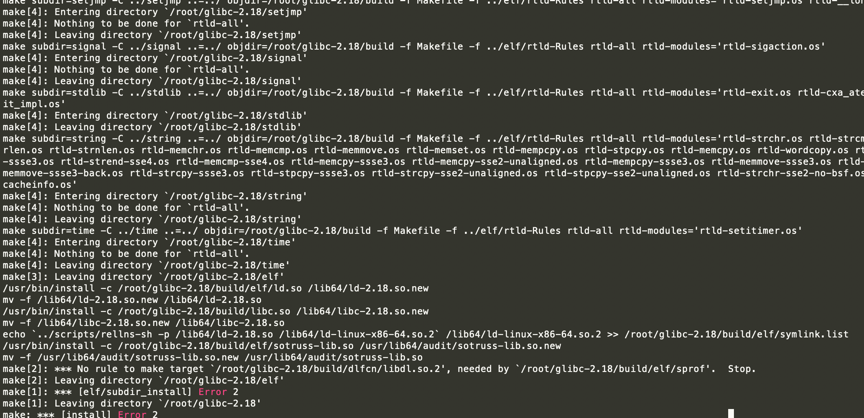
The following problem occurred while compiling GLIBC:
TEXT
mv -f /usr/lib64/audit/sotruss-lib.so.new /usr/lib64/audit/sotruss-lib.so
make[2]: *** No rule to make target `/root/glibc-2.18/build/dlfcn/libdl.so.2', needed by `/root/glibc-2.18/build/elf/sprof'.  Stop.
make[2]: Leaving directory `/root/glibc-2.18/elf'
make[1]: *** [elf/subdir_install] Error 2
make[1]: Leaving directory `/root/glibc-2.18'
make: *** [install] Error 2
Solution
TEXT
yum install gawk
make all
make install
The build finally succeeded.