Preface
Testing plugin changes directly in production can disrupt a community, so a local Discourse environment is useful for development and testing.
Environment
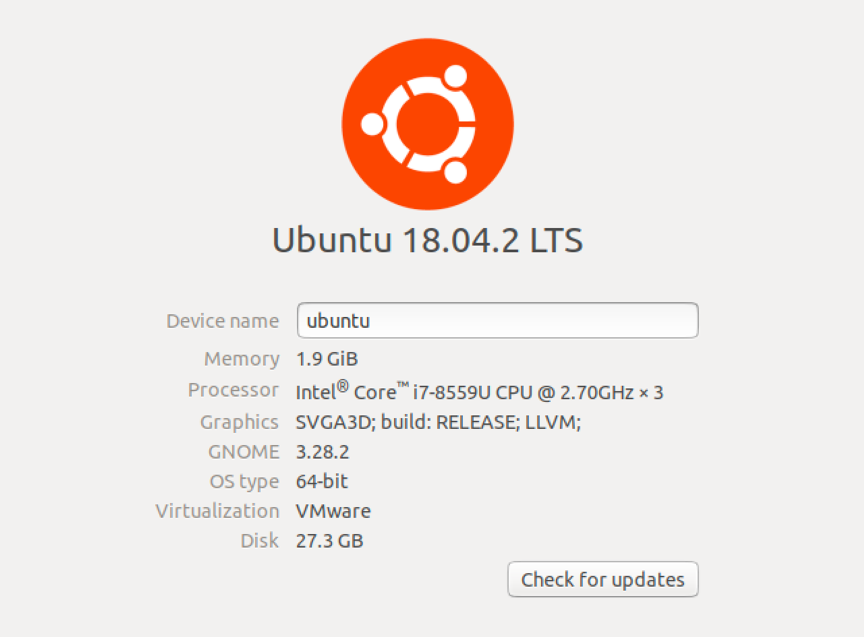
- Operating system: Ubuntu 18.04.2 LTS x64
- Memory: 1 GB minimum; 2 GB or more recommended
Install Docker
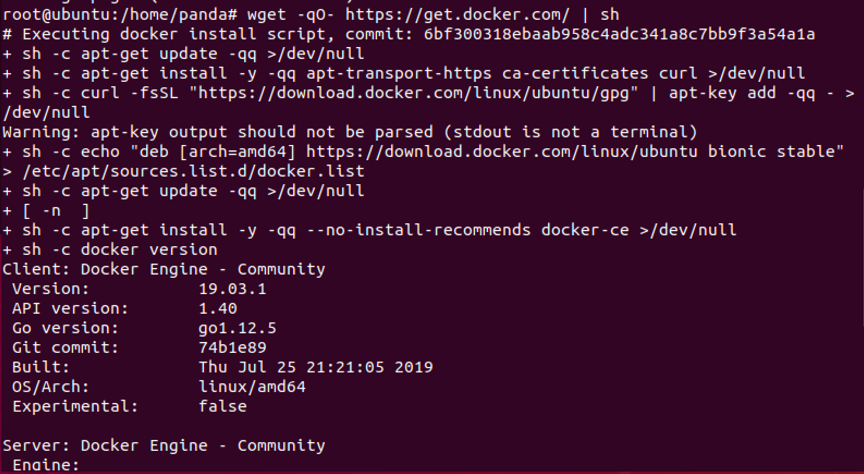
wget -qO- https://get.docker.com/ | sh

Install Discourse
Create /var/discourse and clone the official Discourse Docker repository.
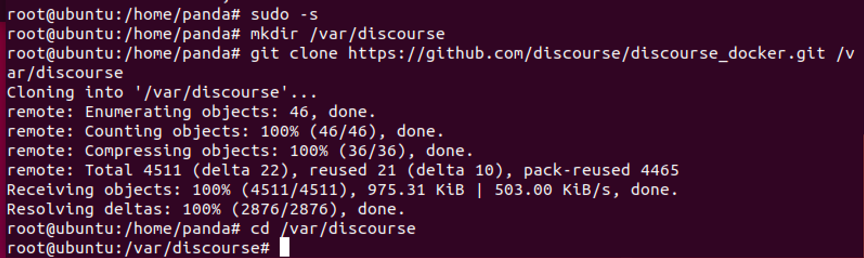
Run the following command:
sudo -s
mkdir /var/discourse
git clone https://github.com/discourse/discourse_docker.git /var/discourse
cd /var/discourse
Run the installer:
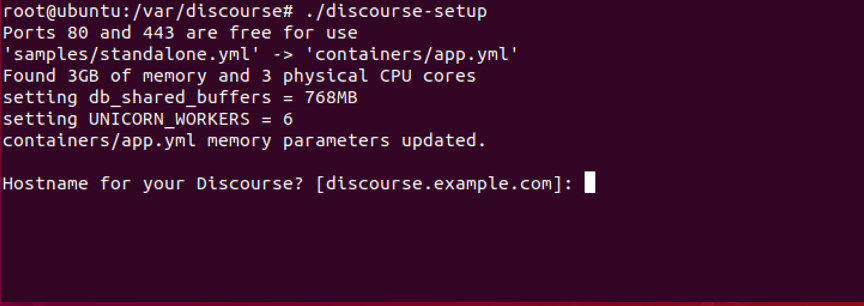
./discourse-setup
Answer the following questions interactively with temporary values; they will be edited together later:
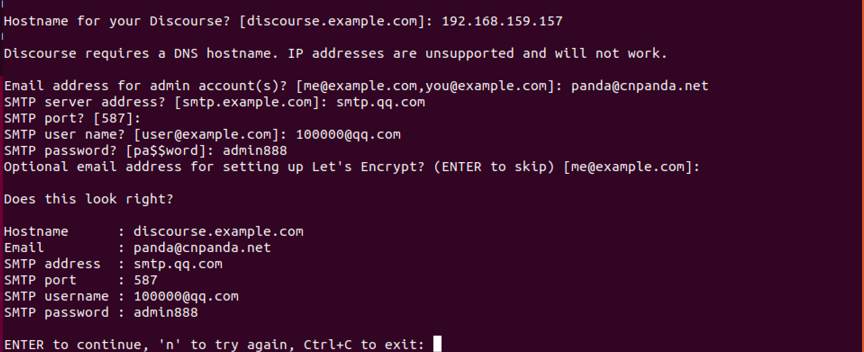
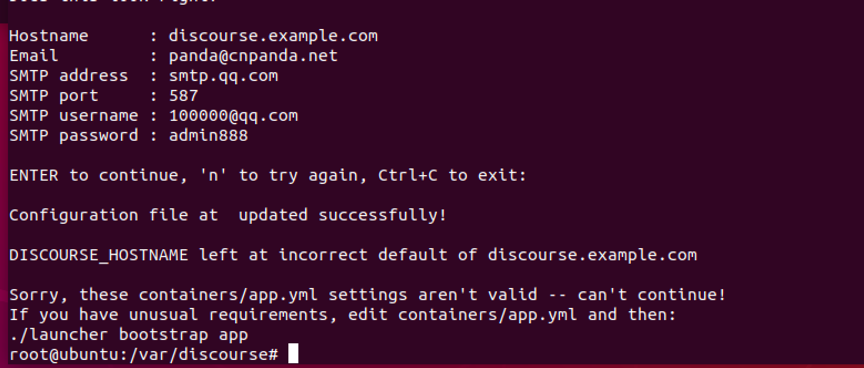
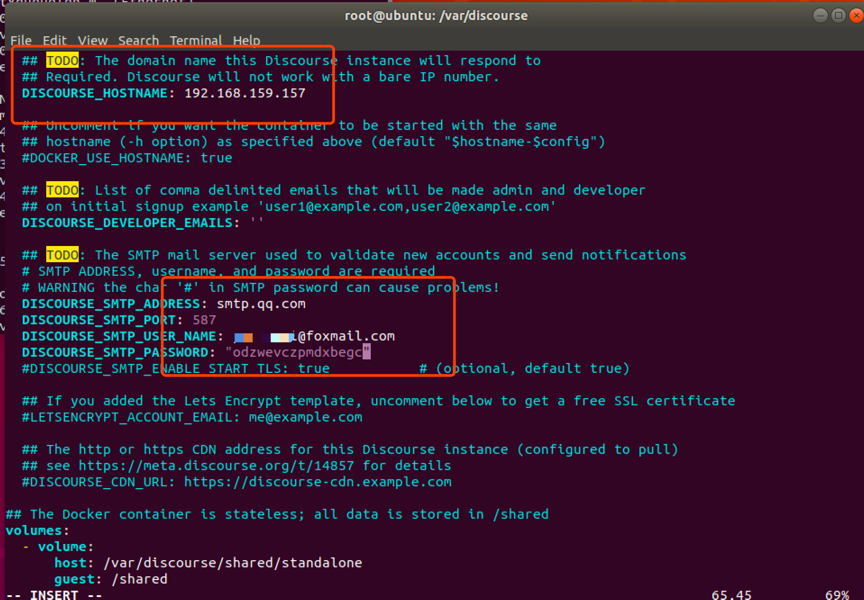
Discourse does not support access by IP address, so app.yml must be changed explicitly. The email configuration also needs updating.
sudo vim /var/discourse/containers/app.yml
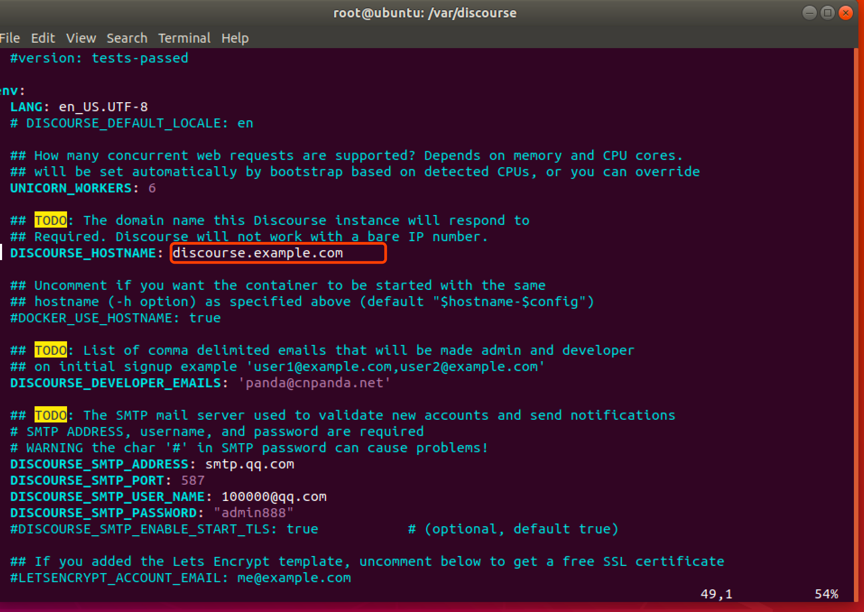
Change it to:
For QQ Mail, enable SMTP in the account settings:

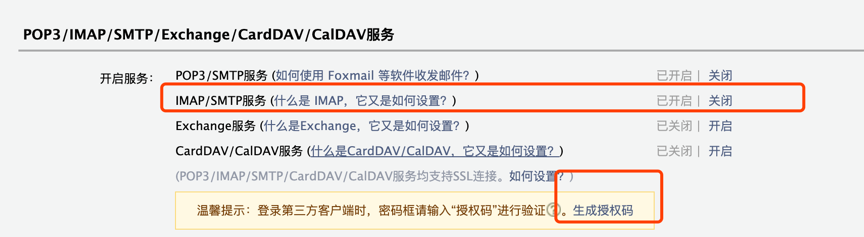
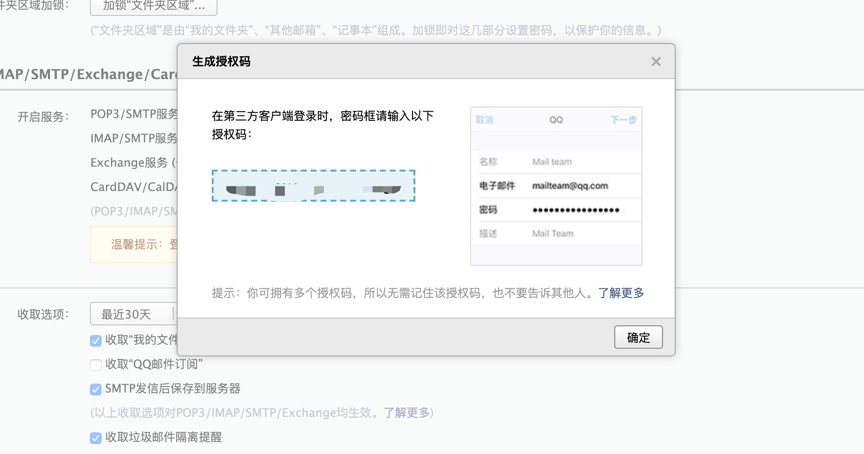
Now begin the long build process.
./launcher rebuild app
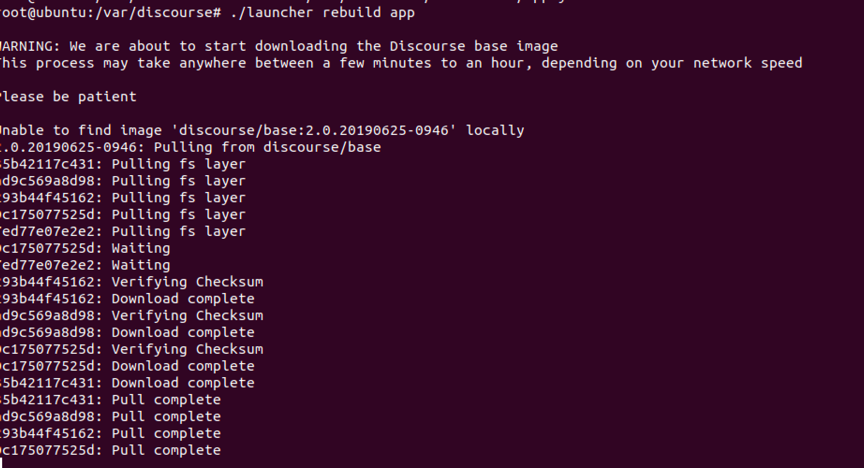
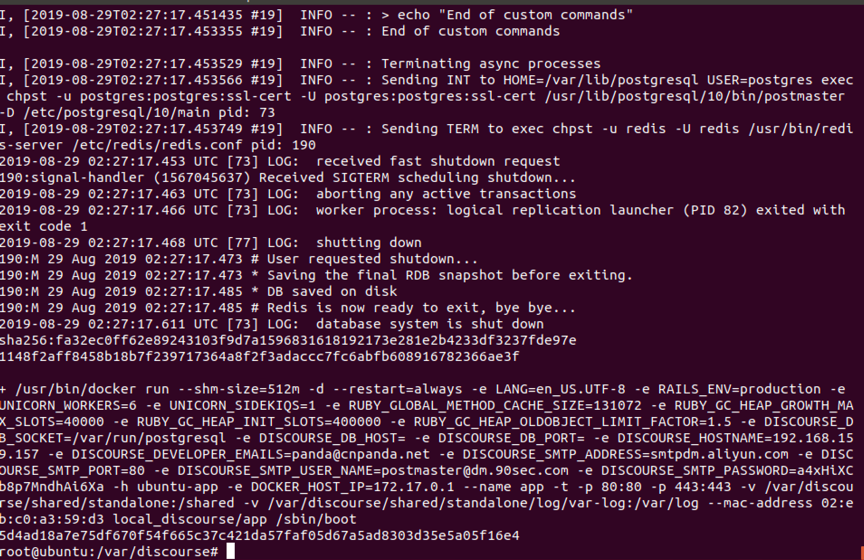
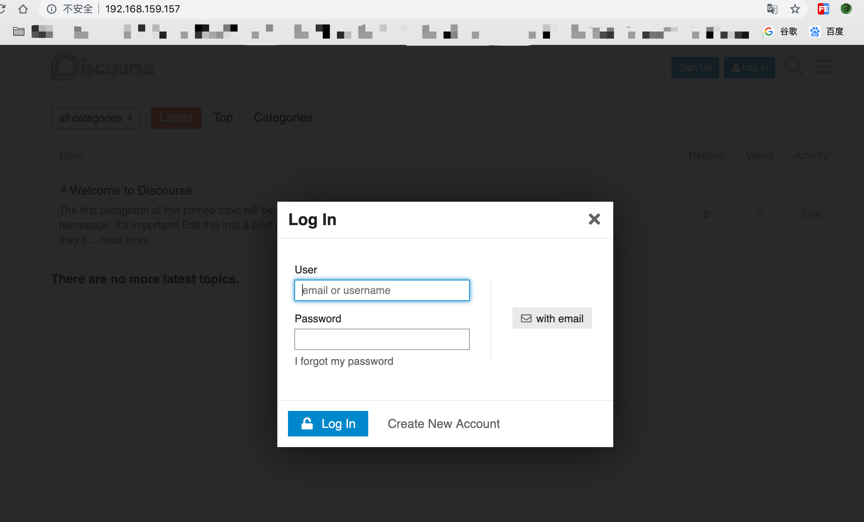
After the build completes, enter the address in a browser:http://192.168.159.157/ Open it in a browser.
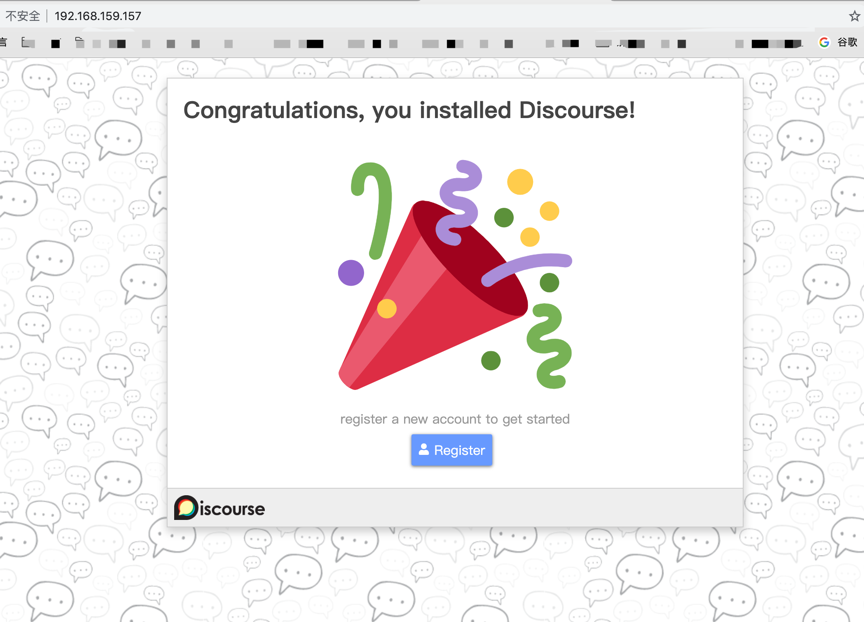
Registration does not actually work in this setup. Create an administrator directly from the console with:
./launcher enter app

Then create an administrator account:

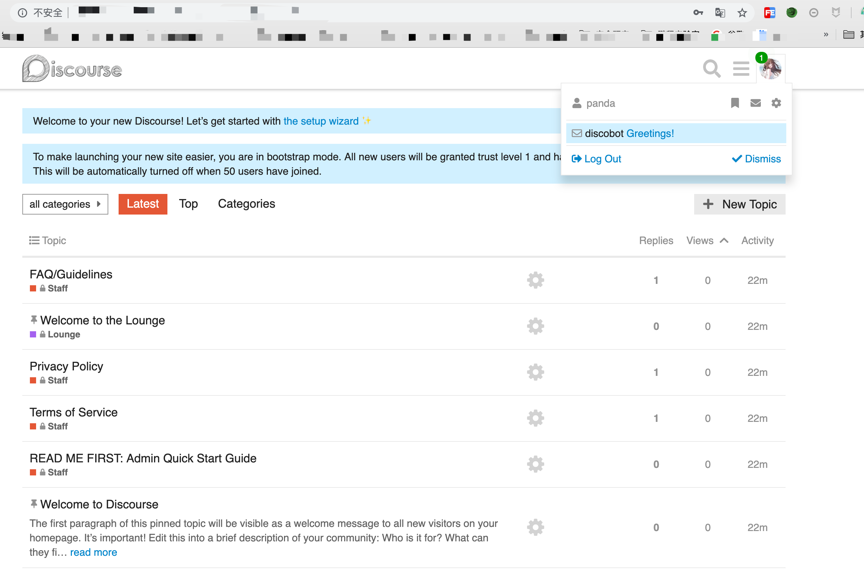
Return to the original page and sign in with the account information just created.